Prove compliance across every Kafka cluster
Role-based access control, data masking, SSO, multi-tenancy, and a complete audit log, so every action on every cluster is controlled and provable.
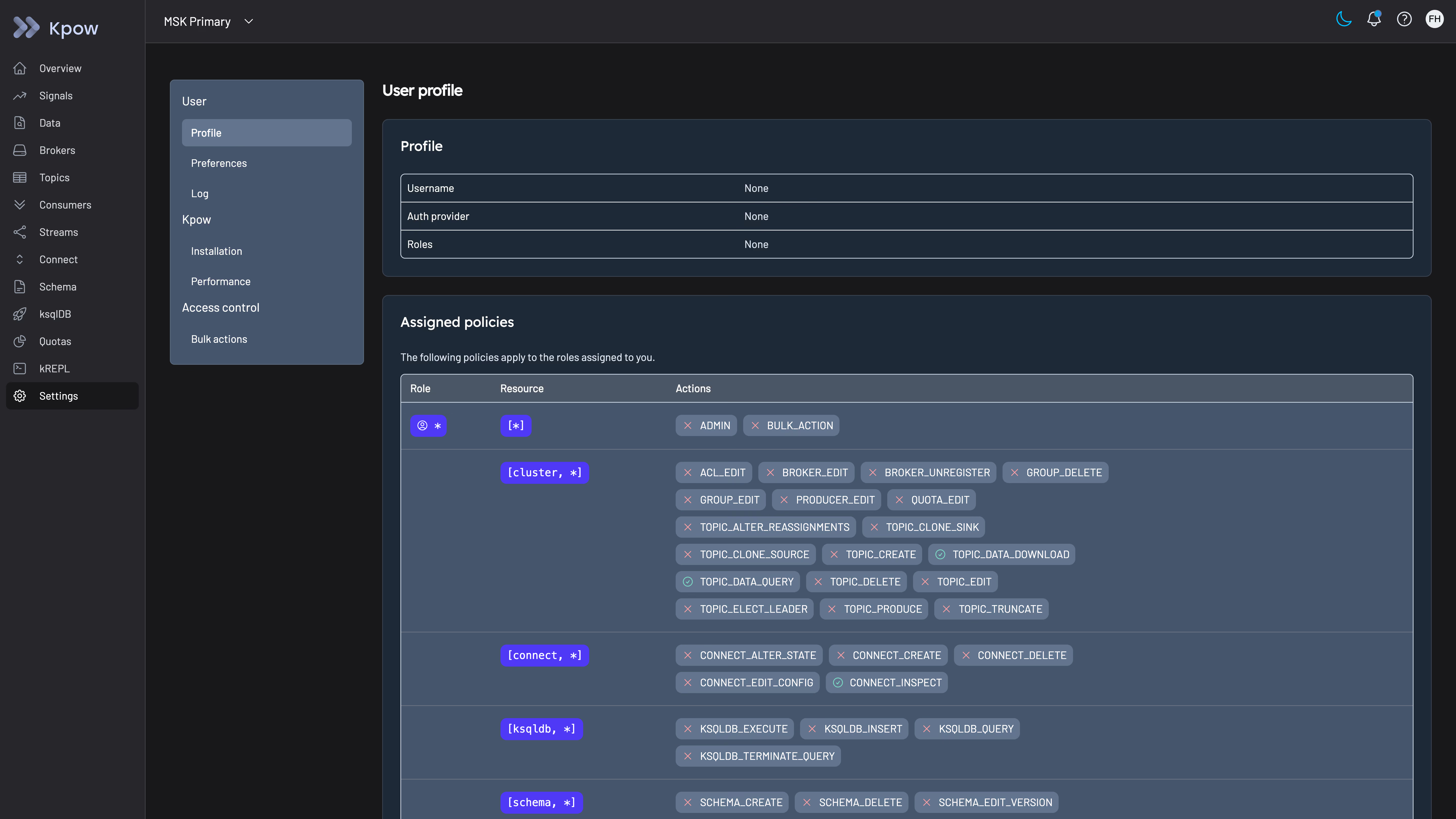
Most Kafka tooling wasn't built for security sign-off
Getting security sign-off for a new Kafka tool usually means proving access is scoped correctly, sensitive fields are hidden, and every action can be traced after the fact.
Govern access, data, and change across every cluster
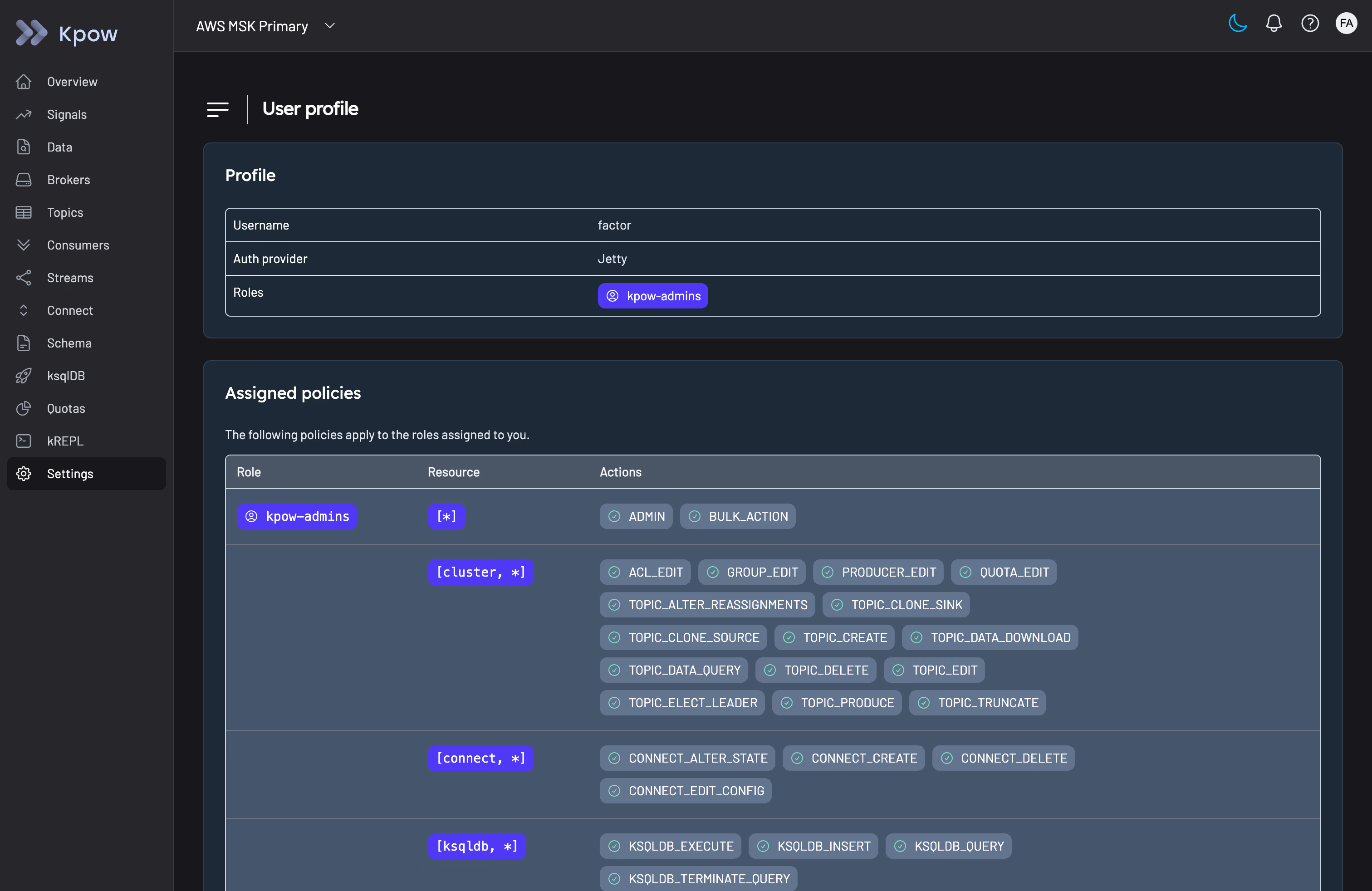
Fine-grained RBAC
Roles come from your existing identity provider, and every action on every resource can be explicitly allowed, denied, or staged for approval.
- Scope down to a specific cluster, topic, consumer group, connector, or schema subject, not just the whole cluster
- Wildcard patterns match by prefix, suffix, or substring, so one policy covers payments-* or *-dlq without listing every resource
- Deny rules override allow rules, so you can grant broad access and carve out specific exceptions
SSO integration
Kpow integrates with Okta, Microsoft Entra ID, AWS SSO, Keycloak, and any LDAP, SAML, or OAuth2/OIDC provider, so access follows the roles you already manage.
Multi-tenancy
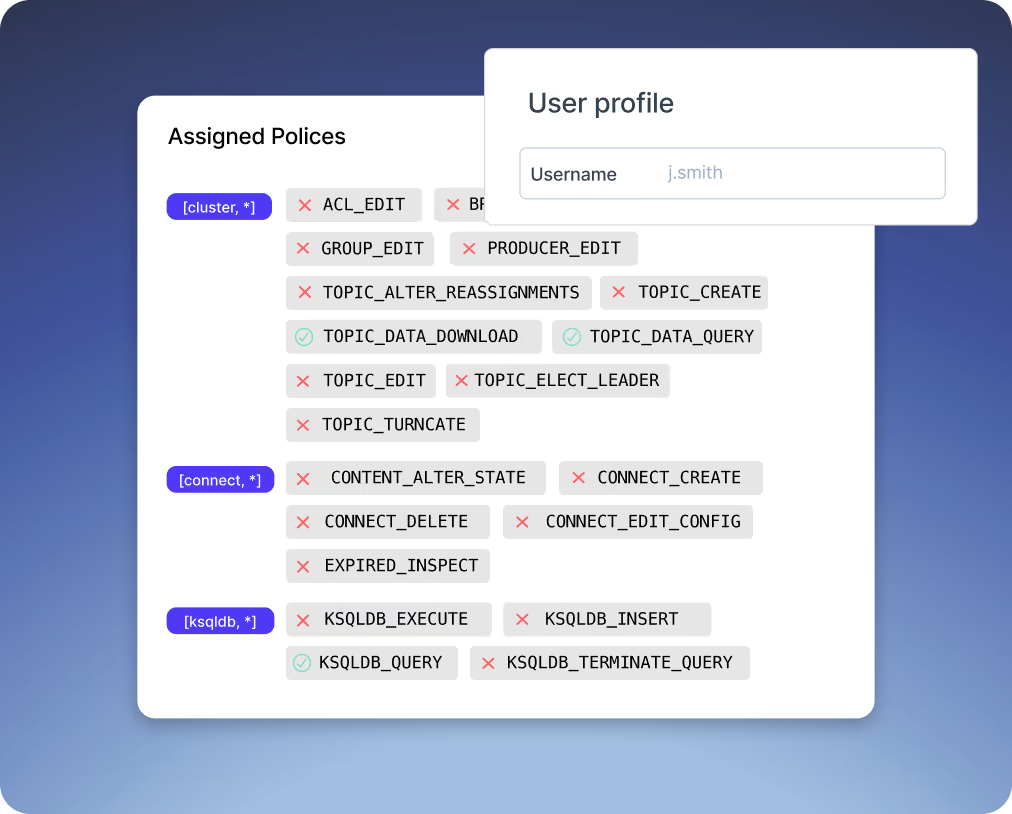
Scope what each team can see to only the topics, groups, and resources they own, by name, prefix, or suffix.
- A team's view is a consistent slice of the cluster, as if their resources were the only ones connected
- One role can be assigned to multiple tenants, and a tenant can span multiple clusters
Data masking
Redact sensitive fields in Data Inspect results without touching the underlying Kafka data.
- Choose per field: full redaction, a SHA-512 hash, or partial reveals like "show last 4 characters" or "show the email domain only"
- Works on nested fields inside Avro, Protobuf, and JSON messages, not just flat scalar values
- Enforced server-side: the unmasked value never reaches the browser or the API response
Staged mutations
Route a sensitive action, like creating a topic or editing a consumer group, through an approval step instead of letting it execute immediately.
- Configured per action in the same RBAC policy that controls access
- An admin approves or denies from the Kpow UI, with a webhook notification when a request comes in
- Unactioned requests expire automatically rather than sitting open indefinitely
Complete audit log
Every user action is logged: who made the request, what it contained, and whether RBAC allowed or denied it.
- Available in the Kpow UI, as a webhook, or as a plain Kafka topic you can pipe anywhere
- The UI shows a rolling recent window; the underlying topic retains as long as you configure Kafka to keep it
Okta, Microsoft Entra ID, AWS SSO, Keycloak, and any LDAP, SAML, or OAuth2/OIDC provider.
Down to a single topic, consumer group, connector, or schema subject, with wildcard patterns for prefix, suffix, or substring matches, not just cluster-level access.
A way to scope a team's view to only the Kafka resources they own, so they see a consistent, restricted slice of the cluster rather than everything connected to Kpow.
Any field, scalar or nested inside Avro, Protobuf, or JSON, using a range of redaction functions from full redaction to partial reveals like showing only the last few characters.
An admin sees the request in the Kpow UI (and optionally a webhook notification) and approves or denies it before it runs. The full history shows up in the audit log either way.
Both. The UI shows a rolling recent window at a glance; the complete trail lives in a Kafka topic, retained for as long as you configure.
No. RBAC, multi-tenancy, data masking, SSO, and the audit log are Enterprise features.
Give your security team what they need to sign off, without slowing your engineers down.
Role-based access control, data masking, SSO, multi-tenancy, and a complete audit log, so every action on every cluster is controlled and provable.
Solo developer or smaller team? Use Kpow Community Edition for free